 uyuyorumstore
um-idcard
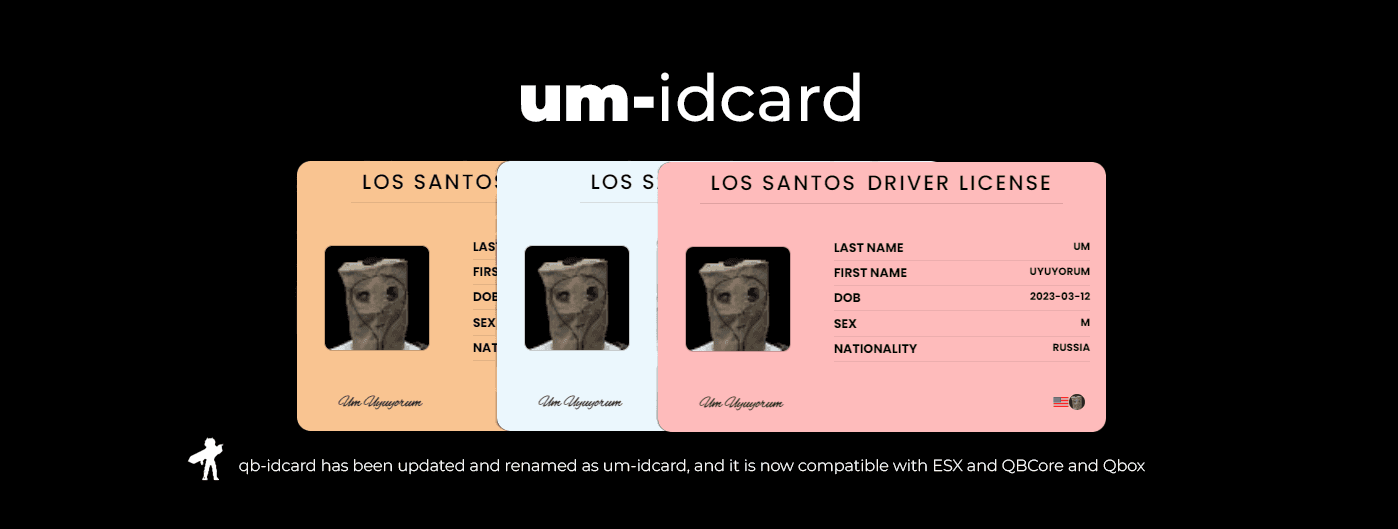
That generates identity cards with mugshots and metadata
alp1x/um-idcard
232
Setup
- Make sure you have the items in Config.Licenses, otherwise add them. (id_card/driver_license etc)
setr ox:locale "en"server.cfg (al, ar, cs, da, de, el, en, es, et, fi, fr, he, hr, hu, id, it, ja, ko, lt, nl, no, pl, pt, ro, ru, sk, sv, th, tr, zh-cn, zh-tw)ensure um-idcardserver.cfg
Upload Mugshots
There are two ways to do this: the first is local, i.e., web/assets/mugshots; the second is via the Fivemanage path.
- Local (default)
- No extra configuration is required; the user's mugshot is saved as a .png file in web/assets/mugshots, but you won't see it immediately. The script needs to be restarted because a new file is being added.
- Fivemanage (recommended / free 30GB bandwidth)
- open config.lua and mugshotsUpload value replace to fivemanage
mugshotsUpload = 'fivemanage'- Log in to Fivemanage
- Create a token from the Dashboard
- and add it into server.cfg
set fivemanage:key "YOUR_TOKEN"
Compatibility (cityhall/giveitem etc.)
- You don't need to do anything for this, just use the item.
Usage
- Just use the item
- If there is someone near you, it will be visible to them, otherwise only you will see it.
- It takes a mugshot of you on the first use of the item and saves it in metadata.