 uyuyorumstore
Coords
How to configure coordinates in um-ronin-multicharacter
Path
---@class Coords
---@field label string
---@field coords vector4
---@field mode? number
---@field emote? { animName?: string, scenario?: string }
---@field group? table
---@field camCoords? vector4
---@field fov? number
---@field blurOptions? { near?: number, far?: number }
---@field focusOffset? vector3
Default Mode (mode 1 - um mode)
Mode 1
This mod places the character on the right, and you can only adjust the character's posture for this mod.
config > main.lua > defaultSettings > characterPosture = 'side' -- side or front
In this mode, you do not need to add an extra mode; it will be 1 by default.
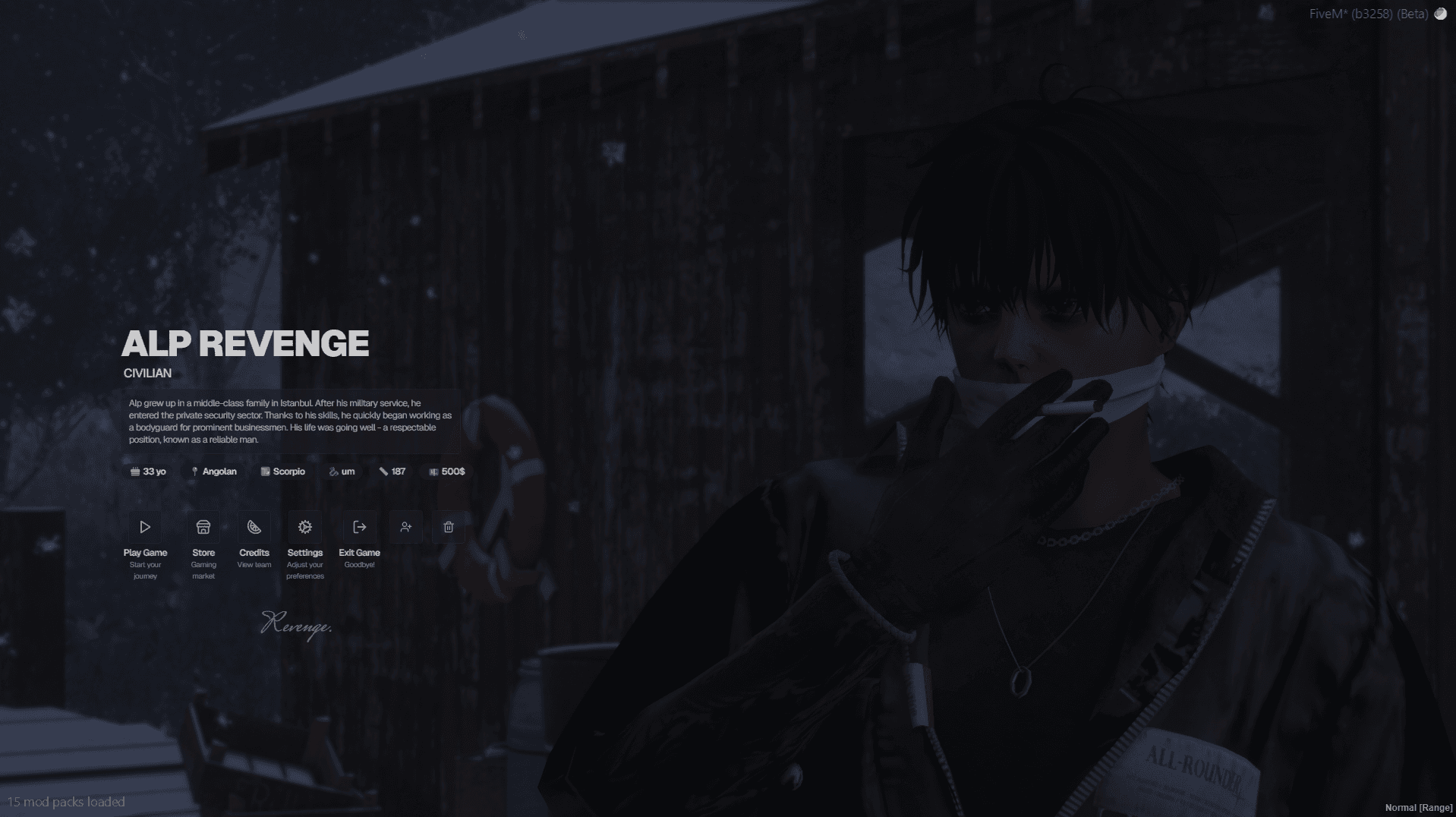
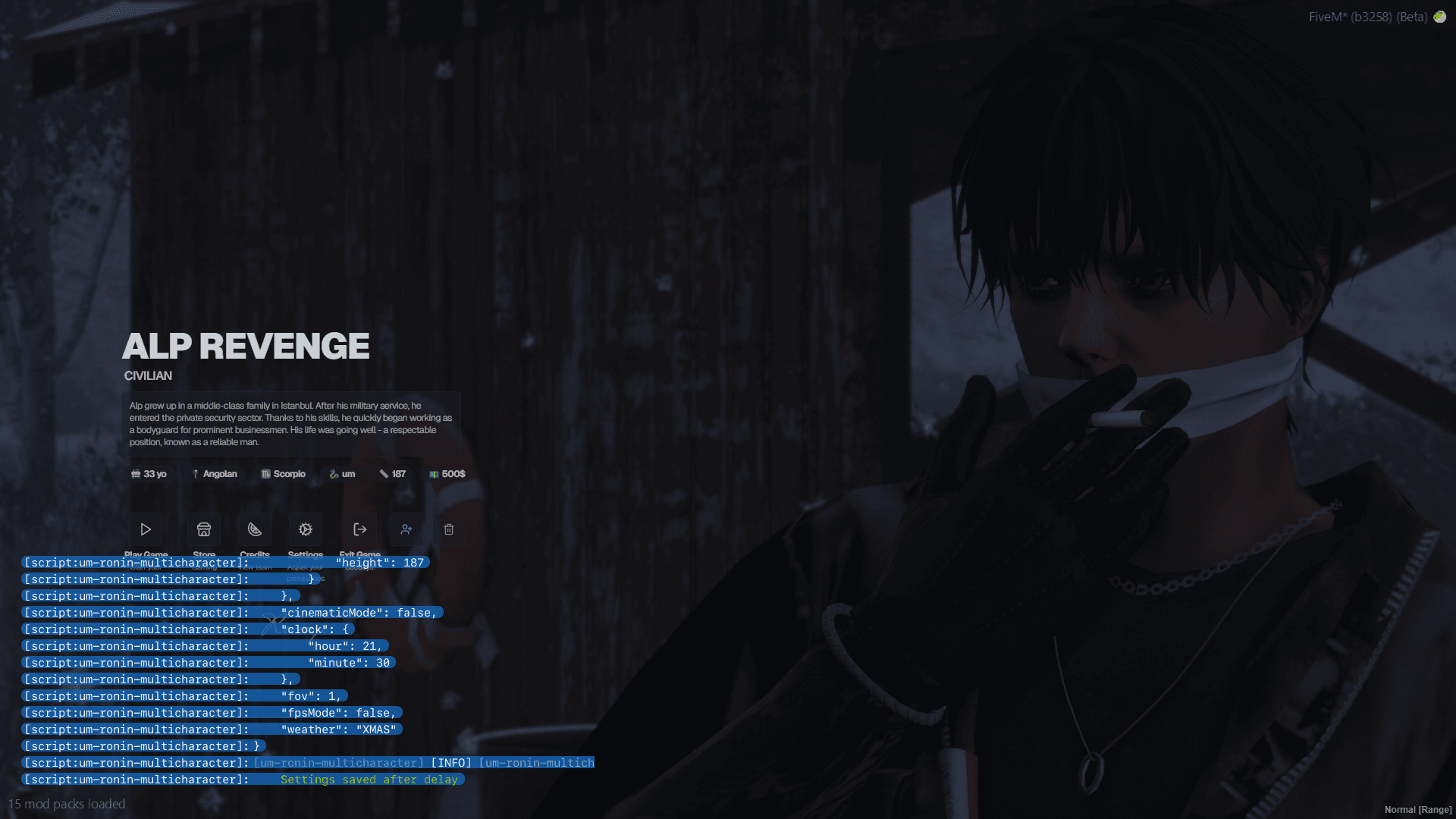
{
    label = 'test 1',
    coords = vec4(-1718.85, 368.22, 89.73, 70.68),
},
XYZ Mode (mode 2 - @monesuper mode)
Mode 2
This mode is fixed, cannot be adjusted; in this mode, the camera comes from behind and the ped throws the bottle after drinking it.
It is mandatory to add mode = 2 for this mode.
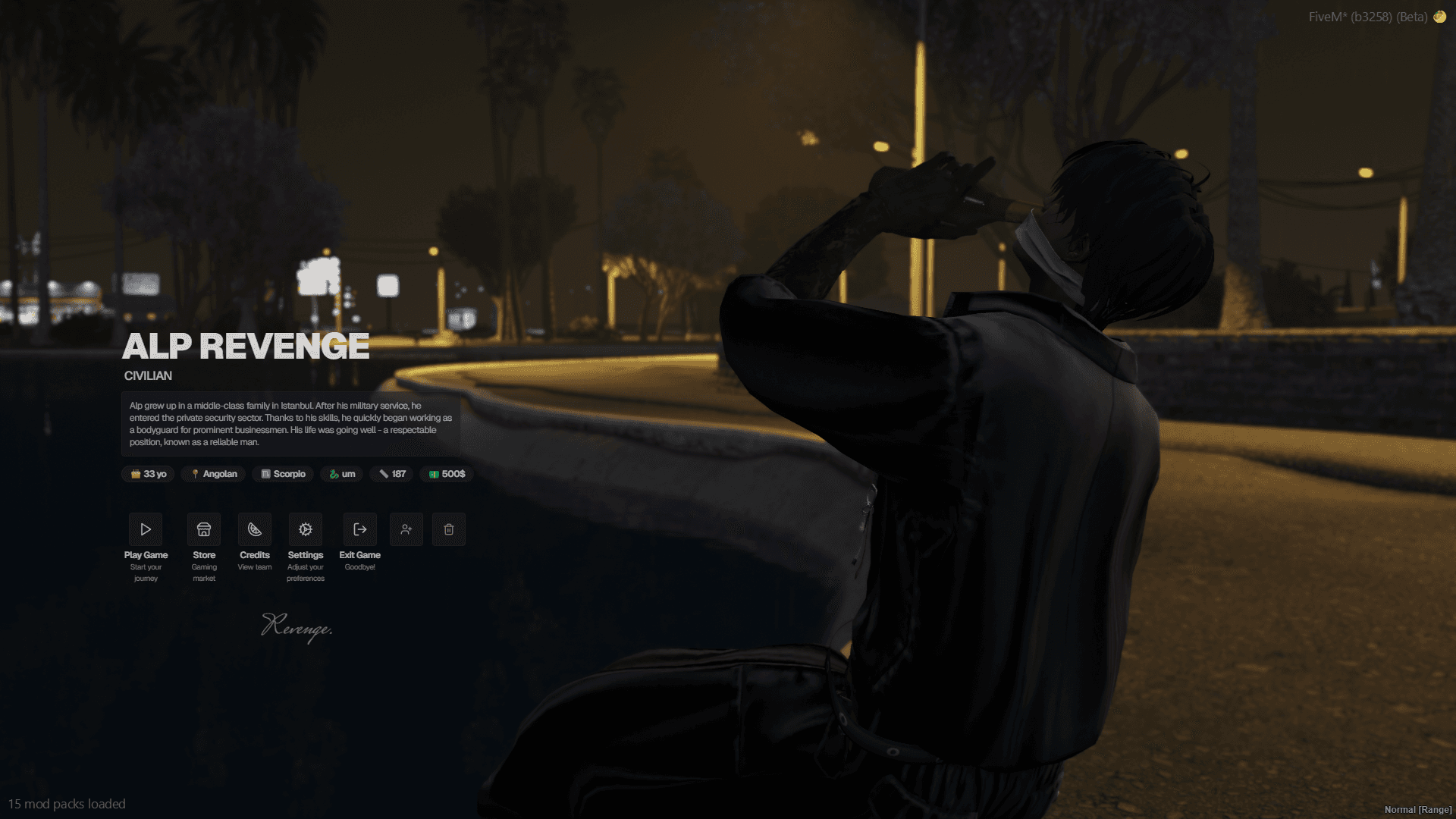
{
    label = 'drinking on the stab city bridge',
    coords = vec4(136.28, 3357.62, 49.89, 330.34),
    mode = 2,
},
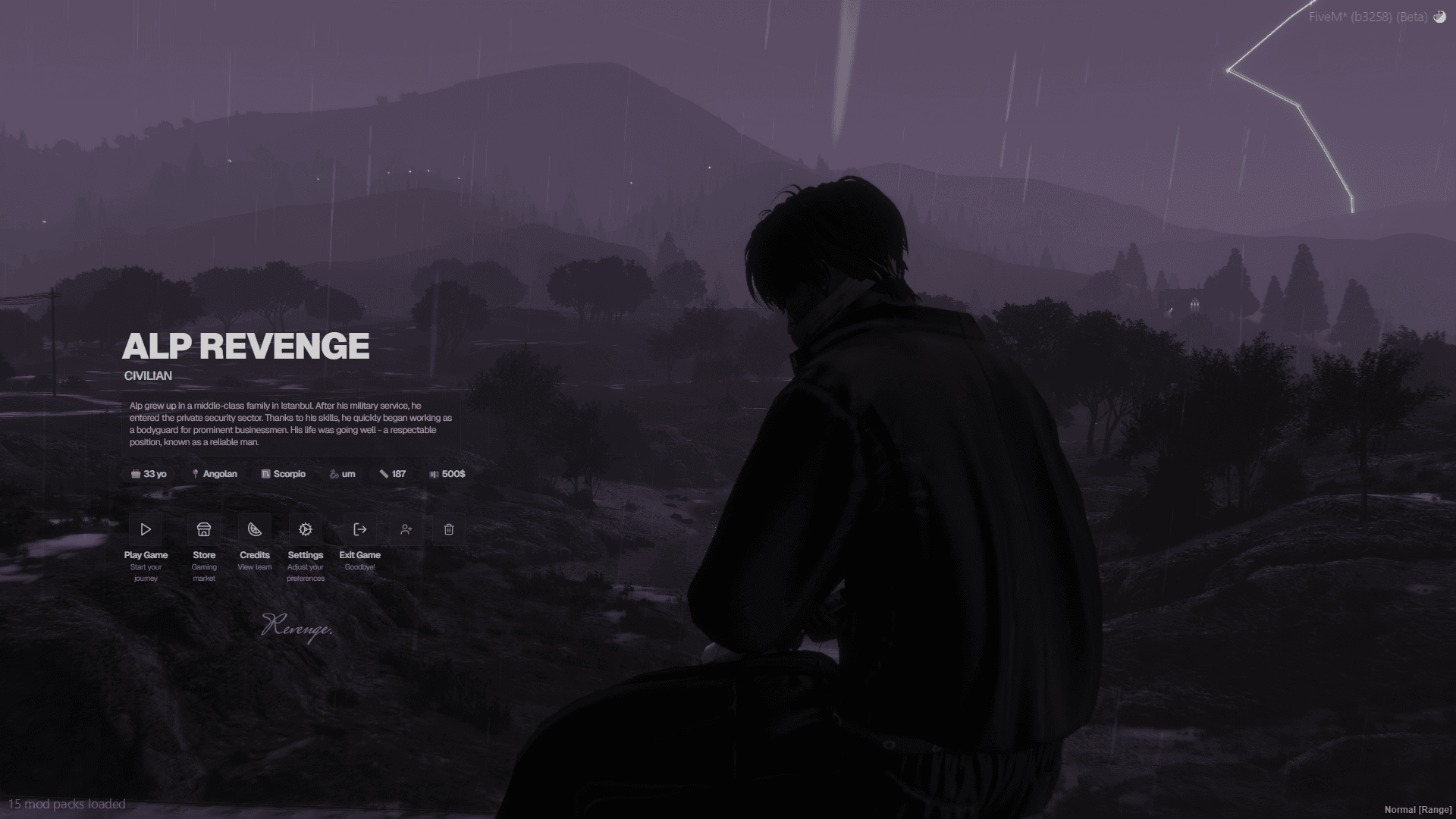
Custom Mode (mode 3 - your imagination)
Mode 3
This mode gives you full control to create your own scenes with custom camera angles, FOV, blur effects, and focus offsets.
It is mandatory to add mode = 3 for this mode.
---@field camCoords? vector4
---@field fov? number
---@field blurOptions? { near?: number, far?: number }
---@field focusOffset? vector3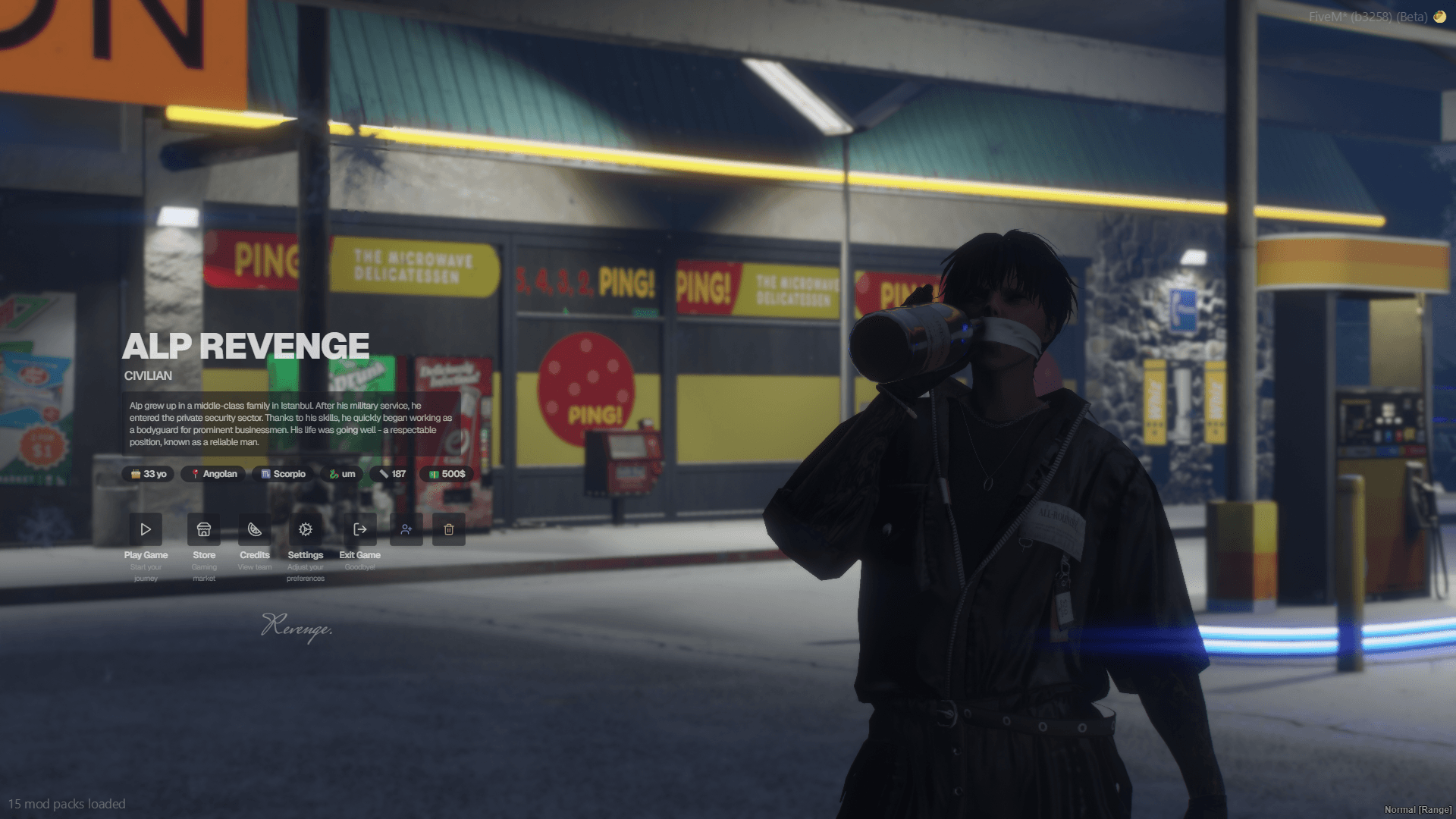
{
    label = 'rooftop view',
    coords = vec4(-2541.15, 2334.54, 33.06, 334.88),    -- Ped spawn coords
    camCoords = vec4(-2538.56, 2337.39, 33.56, 150.19), -- Camera coords
    fov = 20,                                           -- Camera FOV (optional)
    focusOffset = vec3(0.5, 0, 0.5),                    -- Focus offset (optional)
    emote = {
        animName = 'wine3',
    },
    blurOptions = {
        near = 0.5,
        far = 5.0,
    },
    mode = 3,
},
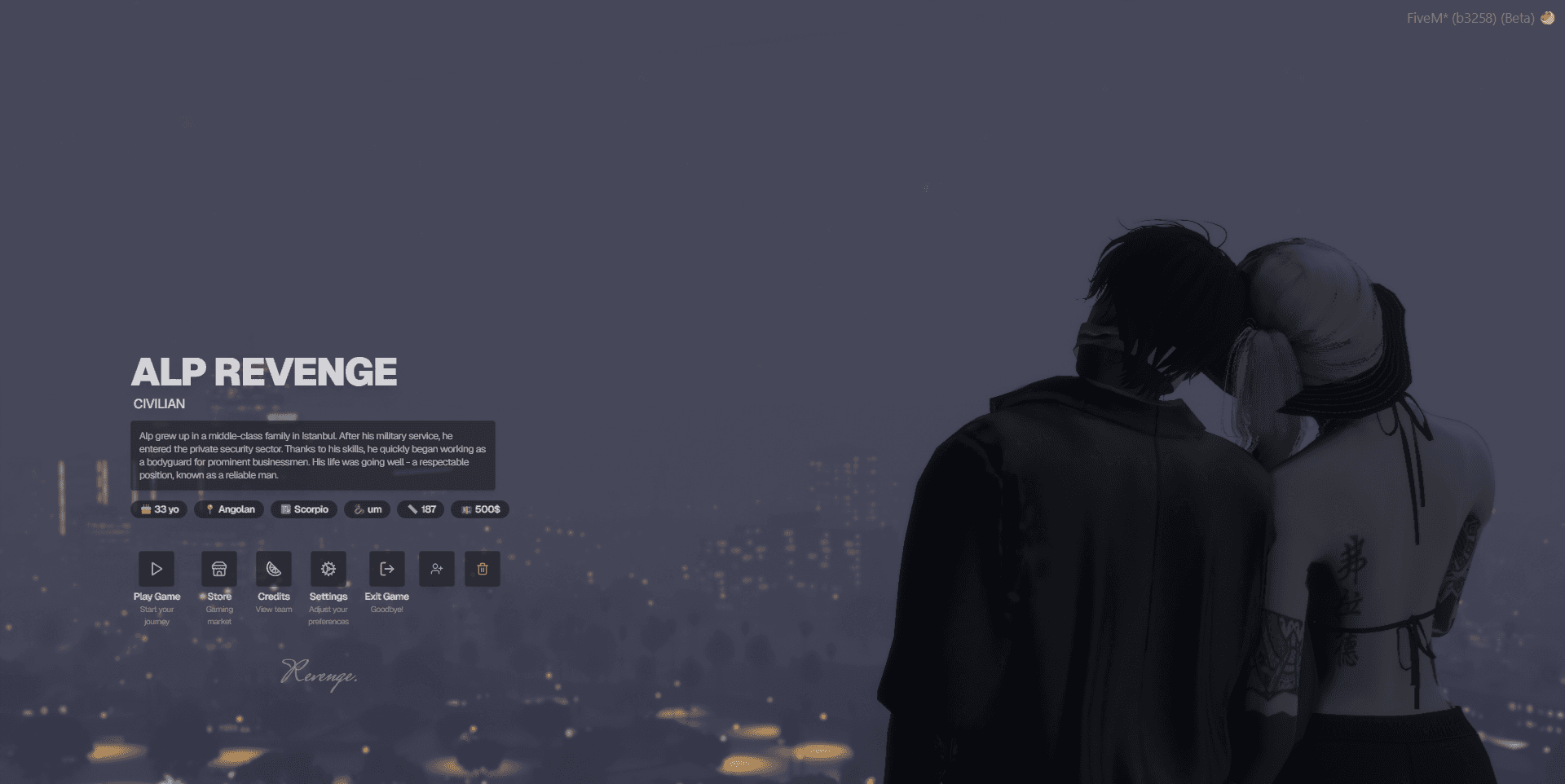
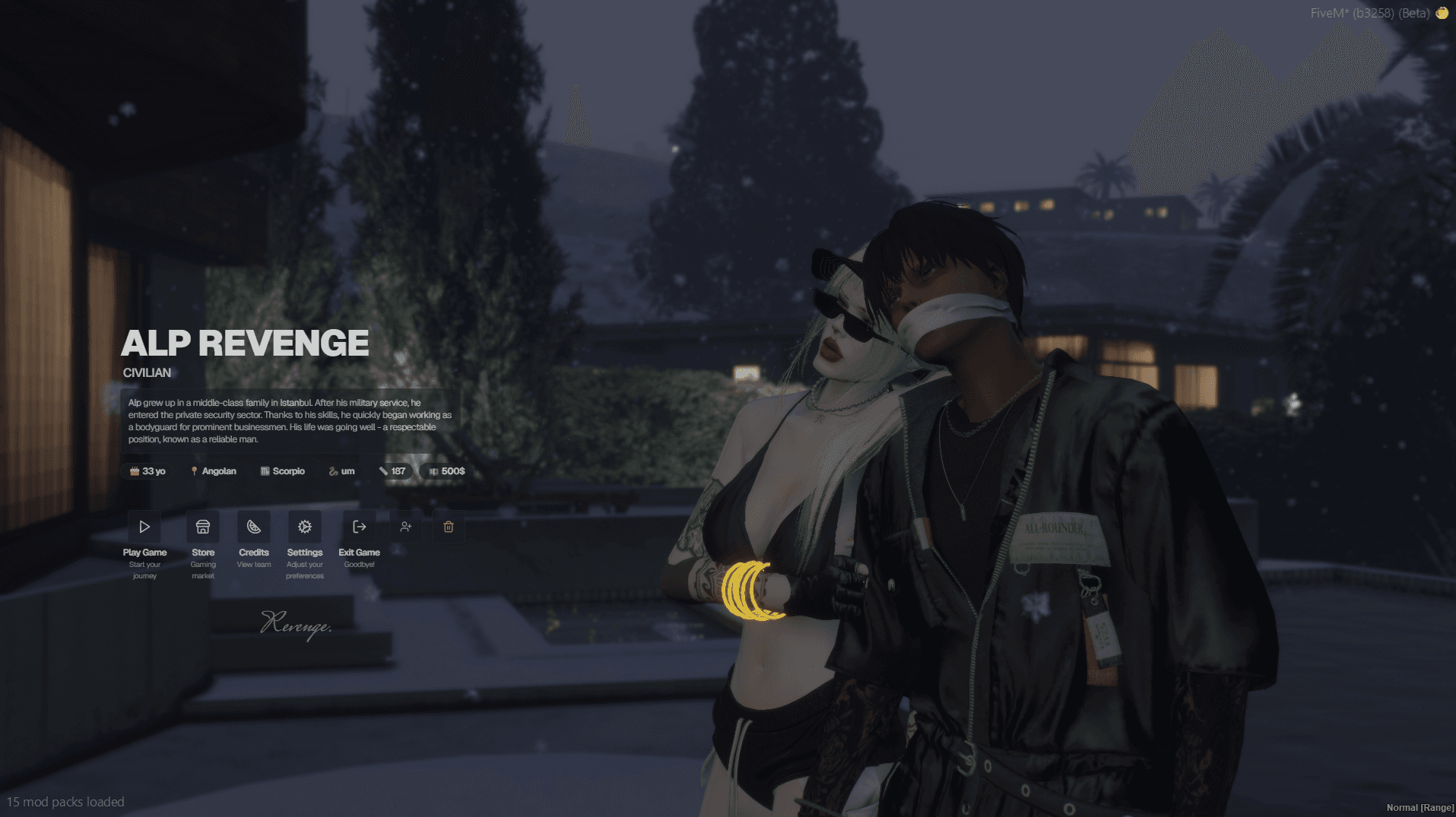
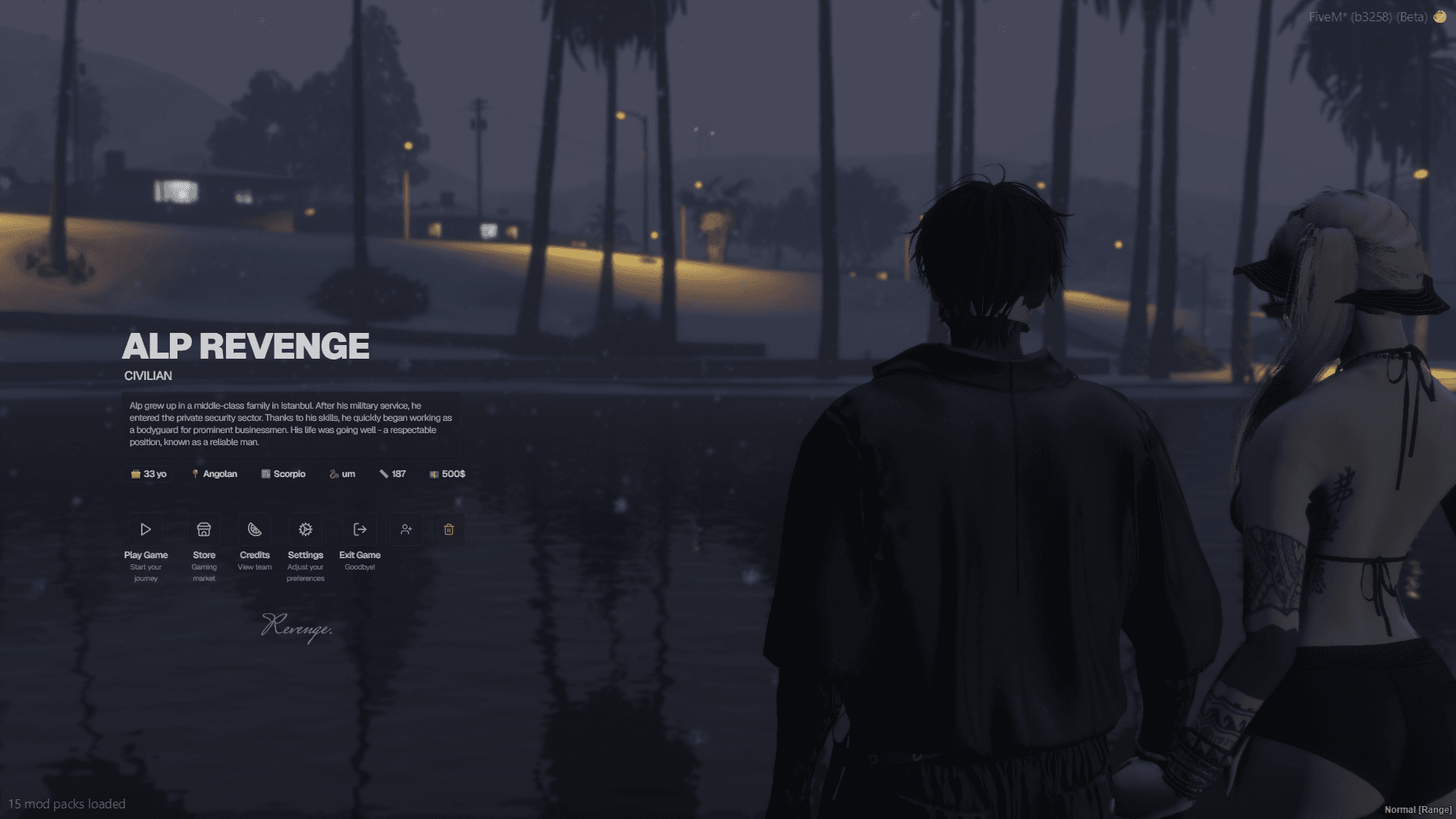
Partner Examples
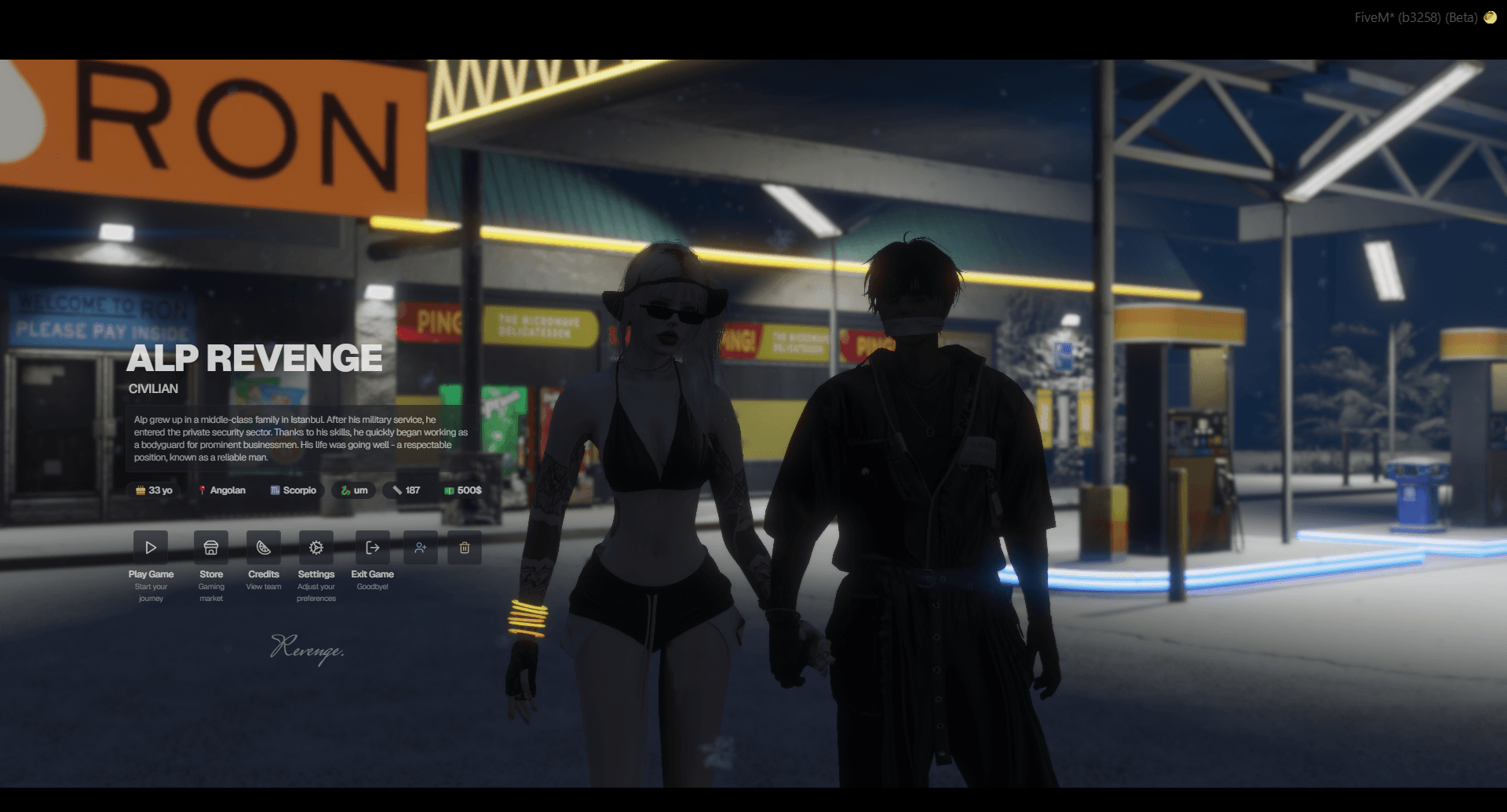
Partner Mode
Here for setup Partner Mode
Job/Gang Coords
Group Restriction
You can restrict certain coordinates to specific jobs or gangs by using the group field.
{
    label = 'police station',
    coords = vec4(444.37, -984.33, 30.69, 71.35),
    group = { 'police', 'mrpd' },
},
Force Emote/Scenario for Specific Coords
Emote Override
You can enforce a specific emote for certain coordinates by using the emote field.
Override Warning
If an emote is defined for the coordinates, it will override any default (config.animlist) settings.
{
    label = 'bar counter',
    coords = vec4(-564.01, 286.66, 82.18, 70.09),
    emote = {
        animName = 'bar2',
    },
},

{
    label = 'bar counter',
    coords = vec4(-564.01, 286.66, 82.18, 70.09),
    emote = {
        scenario = 'PROP_HUMAN_BUM_SHOPPING_CART',
    },
},
Summary
mode = 1: Default UM mode with character on the right.mode = 2: XYZ mode with fixed scenario behind the ped.mode = 3: Custom mode with full control for custom scenes and settings.
Mode 3 Only
These settings are only for mode 3.
---@field camCoords? vector4
---@field fov? number
---@field blurOptions? { near?: number, far?: number }
---@field focusOffset? vector3group?: Restrict coordinates to specific jobs or gangs.emote?: Force specific emotes or scenarios for certain coordinates (overrides default animlist settings, useful for jobs, or special scenes).