 uyuyorumstore
um-chat
General Chat
How to setup the general chat feature in um-chat
Install
Klipy/Tenor API (for gifs)
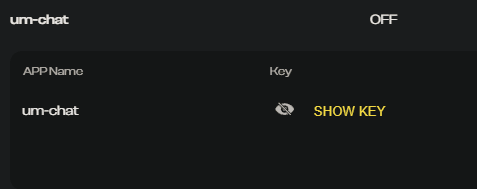
-
Sign up at https://partner.klipy.com
-
Navigate to the API Keys page
-
Select Add Platform and create your new API keys.
-
open > web > build > tenor > key.json
{
    "TENOR_GIF_API_KEY": "pastekeyhere"
}
Permission
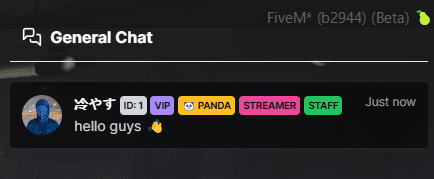
config > permission.lua- You can set your
tagsthat will appear in the general chat according to yourself (there may be more than one)
- You can set your
Public or only ace
- If you want this to be public, it will already come this way by default
- If you want admin-only:
config > nui.lua > commandChat > buttons > chat status set falseconfig > chat.lua > adminChat status set true