 uyuyorumstore
um-clothingCustomize
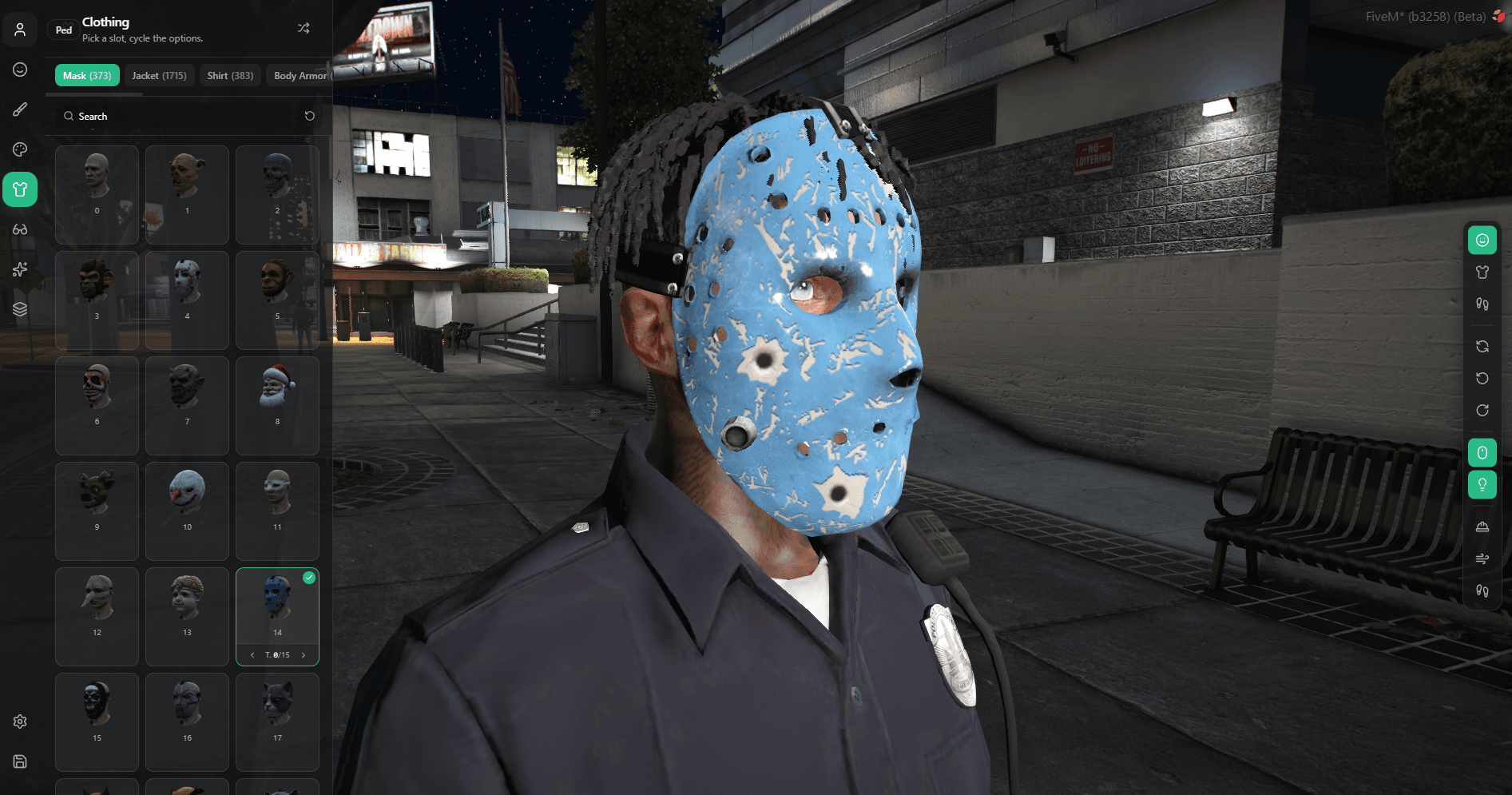
Clothing Images
How to configure clothing images in um-clothing
Config
Set enabled = true to turn on clothing images.
return {
   Images          = {
        enabled          = false,
        baseUrl          = 'https://cfx-nui-clothing-images/images/clothing',
        componentPattern = '{gender}_{id}_{drawable}.png',
        propPattern      = '{gender}_prop_{id}_{drawable}.png',
    },
}
Download dependencies
- um-thumbnail-clothing (fork of fivem-greenscreener)
- screencapture
Setup
- Drag and drop the
um-thumbnail-clothingfolder into yourresourcesmain folder. - Don't add anything to your
server.cfgto start the script. - Make sure your
resourcesmain folder contains only theum-thumbnail-clothingfolder, with no other folders or files inside it.
Usage
Static Upload
- Join the game, press
F8and runensure um-thumbnail-clothing. - Press
ALT + Enterto switch the game to windowed mode (or set it in the game settings). Otherwise the images won't be captured correctly when youALT + Tab. - Run
/screenshotto start taking screenshots. - When the process is complete, copy the
um-thumbnail-clothing > imagesfolder. - Download clothing-images here and paste the thumbnail images into
clothing-images > images > clothing. - Add
ensure clothing-imagesto yourserver.cfg.
Fivemanage Upload (remote)
- In
um-thumbnail-clothing > config.json, set"remoteUploadFiveManage"totrue. - Log in to Fivemanage.
- Create an images token from the Dashboard and name it
clothing. - Go to file storage, create a new folder and name it
clothing. - Add your Fivemanage token to your
server.cfg:set fivemanage:key "YOUR_TOKEN". - Join the game, press
F8and runensure um-thumbnail-clothing. - Press
ALT + Enterto switch the game to windowed mode (or set it in the game settings). Otherwise the images won't be captured correctly when youALT + Tab. - Run
/screenshotto start taking screenshots. - When the process is complete,
um-clothing > config.lua > Images > baseUrlset to your fivemanage url.