 uyuyorumstore
um-clothingCustomize
Custom Theme
How to configure custom theme in um-clothing
Custom Theme
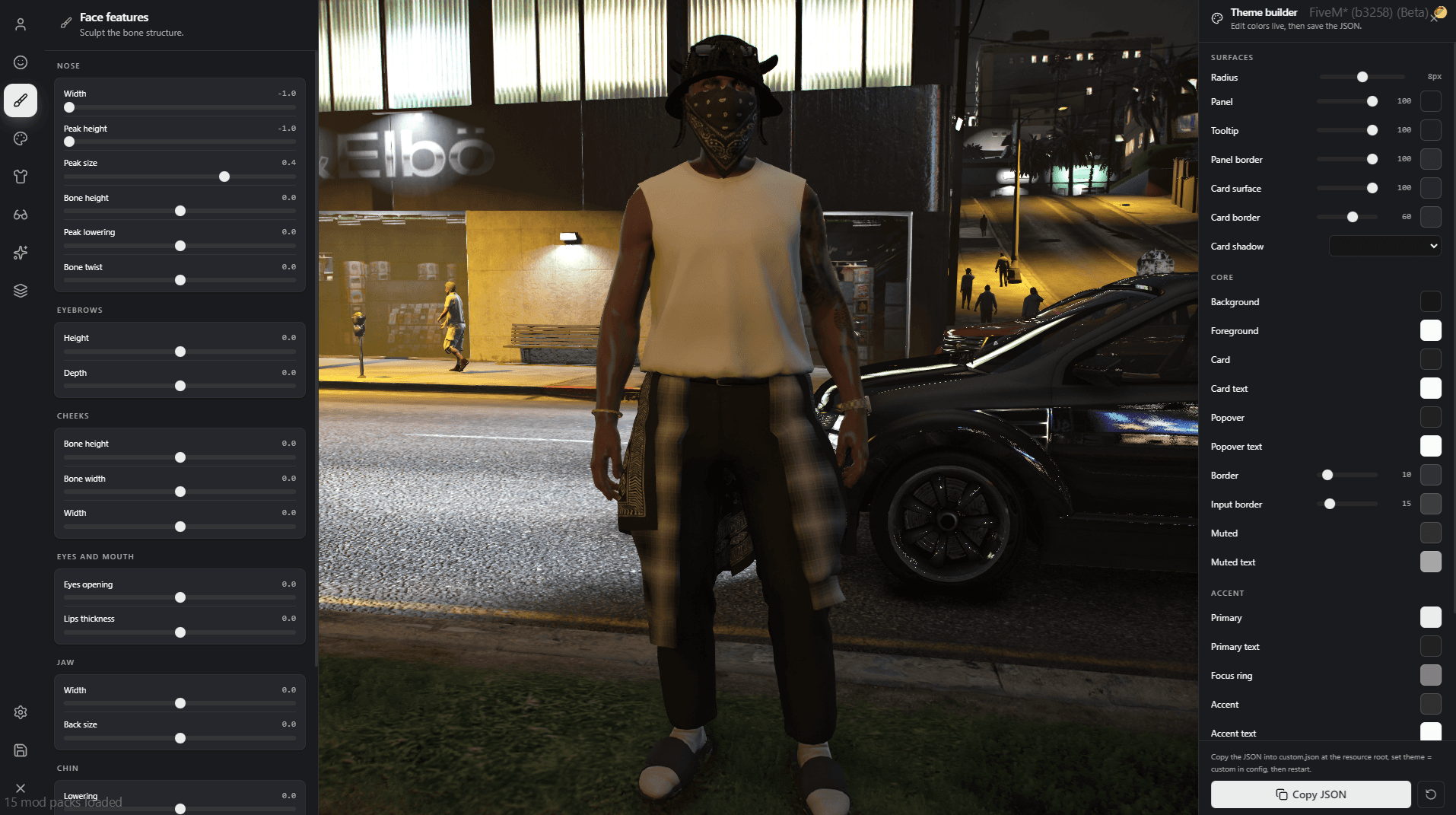
/customthemecommand to open the theme builder- Change and copy json
- Paste json to
um-clothing > custom.json - Open config file and set
theme = 'custom'
return {
    DefaultSettings = {
        position = 'left',        -- left or right
        color    = 'green',       -- default, blue, violet, rose, green
        theme    = 'custom', -- transparent, mantine, custom
    },
}